Guide4 min read
What is user experience?

User experience in plain words: how it differs from UI, what the work involves, from research to testing, and an everyday example.
You open a banking app to send money to a friend. The screens are clean and the colours are calm. Then the app asks for your friend’s IBAN, the long international account number, which you don’t have, and there is no way to send to a phone number instead. The app looks good. Using it to do what you came for does not feel good at all.
That difference has a name. How the app looks is its user interface. How it went for you is its user experience.
A definition you can use
The cognitive scientist Don Norman coined the term “user experience”, usually shortened to UX, in the 1990s. Norman, now principal emeritus at the research firm Nielsen Norman Group, and Jakob Nielsen define it as covering “all aspects of the end-user’s interaction” with a company, its services and its products.
The international standard for human-centred design, ISO 9241-210, gives a more formal version. It defines user experience as a person’s perceptions and responses that come from using a system, product or service, or from expecting to use it. Its notes add that this includes emotions, beliefs, comfort, behaviour and what people manage to achieve, before, during and after use.
Two things follow from that. UX starts before the first tap, with what people expect from an ad or an app store page. And it continues after the last one, with the receipt, the delivery and the phone call to support.
UX is not the same as UI
The user interface (UI) is the part of a product you see and touch: screens, buttons, menus and the words on them. ISO describes it as all the parts of a system that give people information and controls to complete their tasks. Nielsen Norman Group describes UI design as a mix of interaction design, which decides how things behave, and visual design, which decides how they look.
Norman and Nielsen give a simple example of the gap. Picture a film review website with a flawless search screen. If its database only holds films from the big studios, someone looking for a small independent film still has a poor experience. The interface did its job, but the service did not.
Usability is not the whole story either. ISO defines usability as how well specified people can use something to reach specified goals, with effectiveness, efficiency and satisfaction. Nielsen Norman Group notes that usability is only a fraction of UX, which also covers context, how people see the brand and how they feel.
What UX work involves
UX work is less about drawing screens and more about deciding what should be on them. In practice it usually includes:
- Research. Studying people’s behaviour, needs and motivations so that product decisions rest on evidence, not opinion. That can mean interviews, watching people work or reading usage data.
- Information architecture. Deciding how content is organised, how the pieces relate and how they appear in the navigation, so people can find things where they expect them.
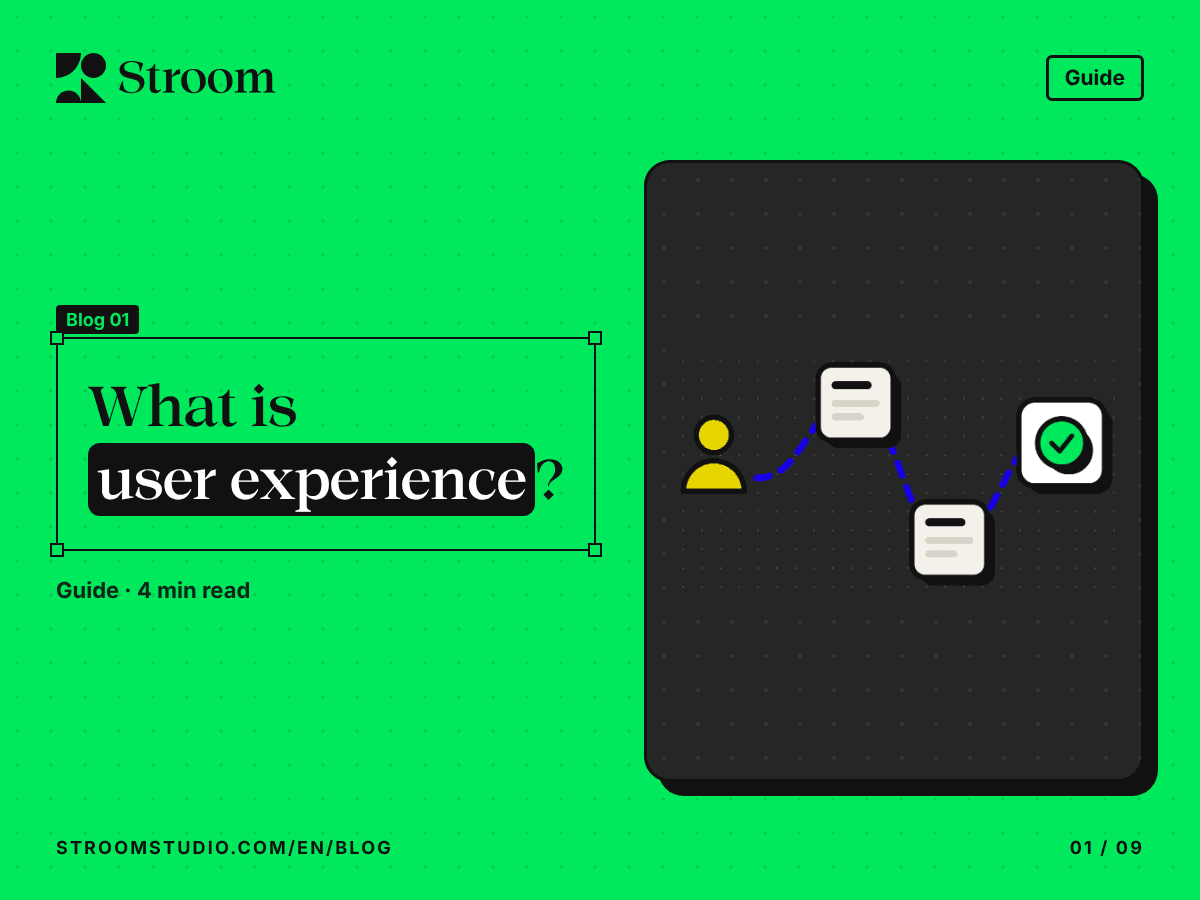
- Flows. Mapping a user flow, which Nielsen Norman Group defines as the typical or ideal set of steps for a common task, such as signing up or paying a bill.
- Interface design. Turning those decisions into screens, behaviours and words.
- Testing. In a usability test, a researcher watches a participant try realistic tasks and listens to what they say. For a typical round, Nielsen Norman Group recommends five participants, which tends to uncover most of the common problems. As early as 2000, Jakob Nielsen argued that several small rounds beat one big study, because every fix needs testing too.
The ISO standard describes the same cycle in its principles: design based on an explicit understanding of users, their tasks and their environment, users involved throughout, evaluation that drives changes and a process that repeats until it works.
An everyday example
Imagine a clinic that wants patients to book appointments in its app instead of calling.
A UX team would start by talking to patients and to the reception staff. Suppose they learn that most calls are not new bookings but people moving an existing one. That changes the brief.
Next comes the structure: put “My appointments” first, and name specialities the way patients say them. Then the flow: book in three steps, and let people move an appointment straight from the reminder message. Only then the screens.
Finally, five patients try to move an appointment while the team watches. If three of them miss the button, the team fixes it and tests again. Nothing in this needs new technology. It needs someone to ask, look and check.
The takeaway
User experience is whether people can do what they came to do, and how they feel before, during and after. The interface is where that shows, but the work starts earlier, with understanding people and testing ideas with them before anything is built.
Sources
- The Definition of User Experience (UX), Nielsen Norman Group, Don Norman and Jakob Nielsen, 1998
- What Is User Experience (and What Is It Not)?, Nielsen Norman Group, 2024
- ISO 9241-210:2019, Human-centred design for interactive systems, ISO, 2019
- UX Disciplines: Glossary, Nielsen Norman Group, 2026
- User Journeys vs. User Flows, Nielsen Norman Group, 2023
- Usability Testing 101, Nielsen Norman Group, 2019
- Why You Only Need to Test with 5 Users, Nielsen Norman Group, 2000