Design tip4 min read
Make buttons finger-sized

Why design guidelines ask for touch targets of at least 48 px, and how to get there without making every icon bigger.
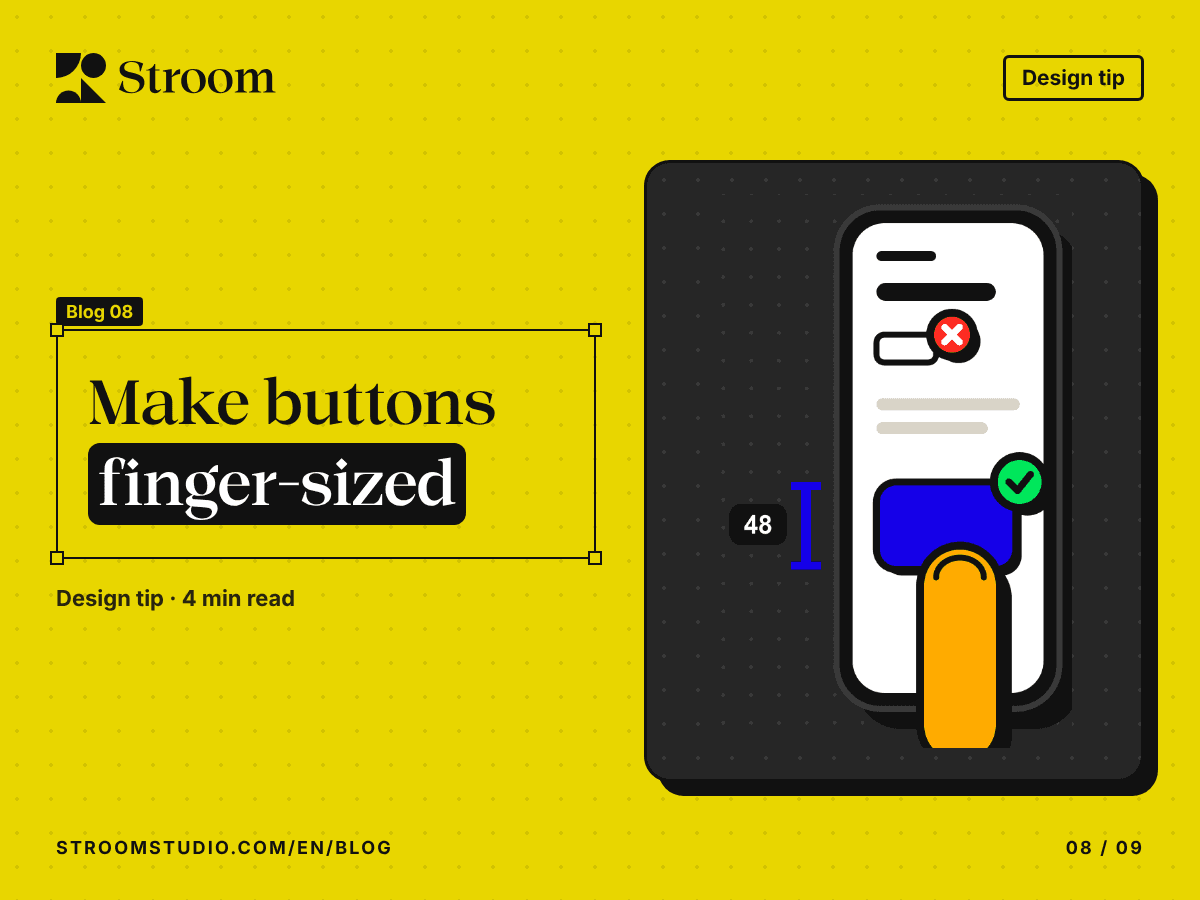
You try to tap the tiny “close” button in the corner of an ad, and open the ad instead. Or you pick the wrong date in a cramped calendar. The problem isn’t your hand. It’s the size of the target.
A finger, not a pointer
The first graphical interfaces were designed for the mouse, and a mouse pointer is precise to a single pixel. A finger is wide, it covers what it presses, and often it’s a thumb doing the work while the other hand holds a coffee.
That is why the major design guidelines agree on a minimum touch target:
- Google’s Material Design recommends at least 48 × 48 dp, about 9 mm on screen whatever the device.
- Apple’s guidelines recommend at least 44 × 44 points.
- WCAG 2.2 requires at least 24 × 24 CSS pixels at level AA, and 44 × 44 at the stricter AAA level.
Why size matters
Fitts’s law, published by the psychologist Paul Fitts in 1954, describes how the time it takes to reach a target grows as the target gets smaller and further away. A small target means slower taps and more mistakes, and every mistake is an extra tap, a step back, or a user who leaves.
How to get there without making everything bigger
The touch target is not the size of the icon. The icon can stay at 24 px while the tappable area around it reaches 48 px through padding.
- Give every tappable button and icon an area of at least 48 × 48 (dp on Android, CSS pixels on the web).
- Leave space between neighbouring targets; Material Design recommends at least 8 dp.
- Put the most-used actions where the thumb reaches easily.
The takeaway
Try your design on a real phone, with one thumb, while walking. Anything that’s hard to hit that way is too small.
Sources
- Understanding Success Criterion 2.5.8: Target Size (Minimum), W3C, WCAG 2.2
- Understanding Success Criterion 2.5.5: Target Size (Enhanced), W3C, WCAG 2.2
- Make apps more accessible, Android Developers
- Accessibility, Apple Human Interface Guidelines
- The information capacity of the human motor system in controlling the amplitude of movement, Paul M. Fitts, Journal of Experimental Psychology, 1954